Edit a Location
1. Navigate to the Administration
2. Go to Settings and select Company Details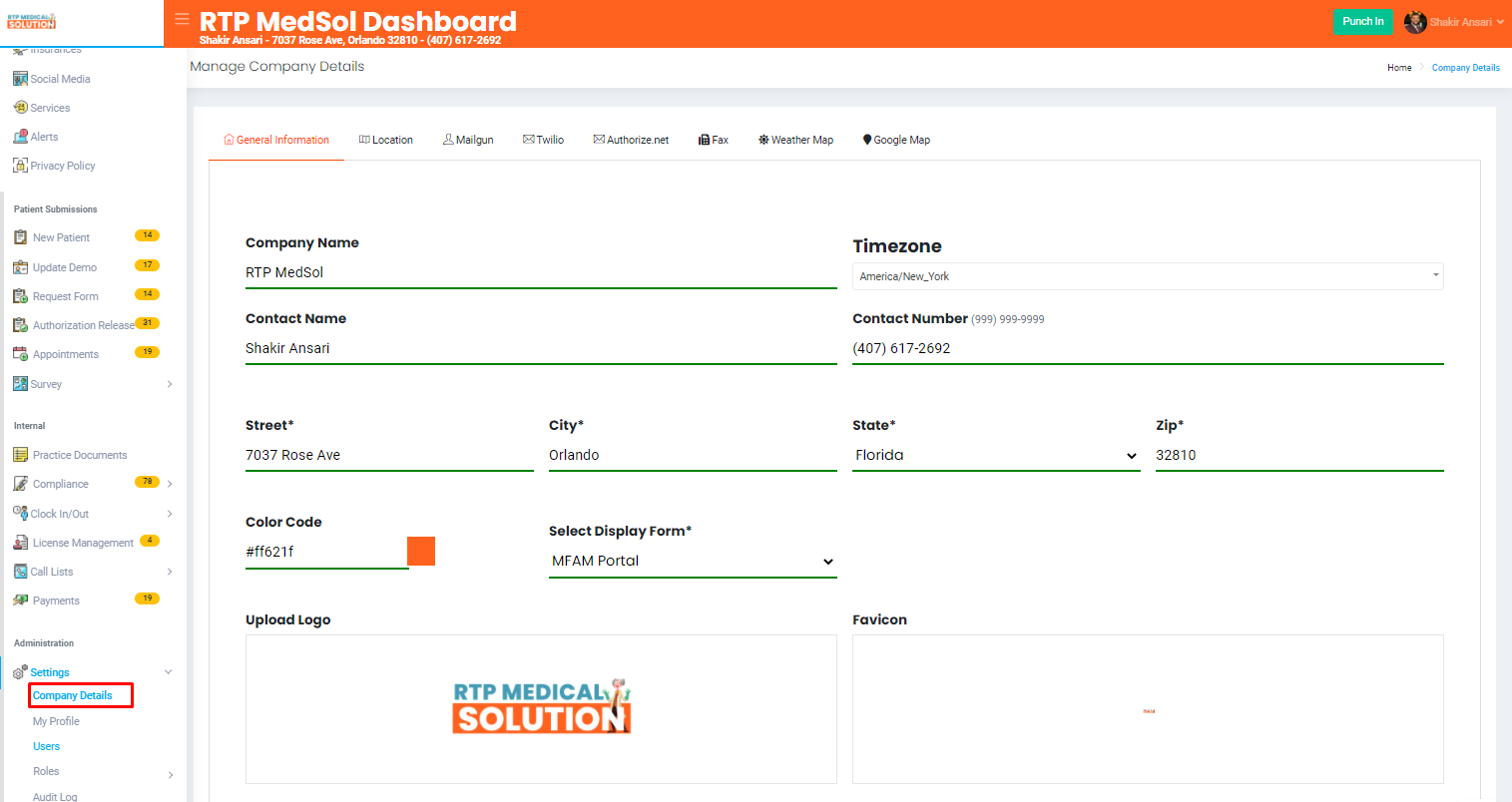
3. Select Location
4. From the Action Colum select the Edit button.
5. Update the information
6. Click the Update button at the top of the dialogue box.

Updates will be reflected immediately